From quotation to receipt
Create a quotation, turn it into a sale invoice, accept a customer payment against it and print a clean receipt. Returns are recorded against the original invoice so stock and balances adjust.
- Quotations, sale invoices and sale returns
- Customer payments with printable receipts
- Print-ready invoices you can share
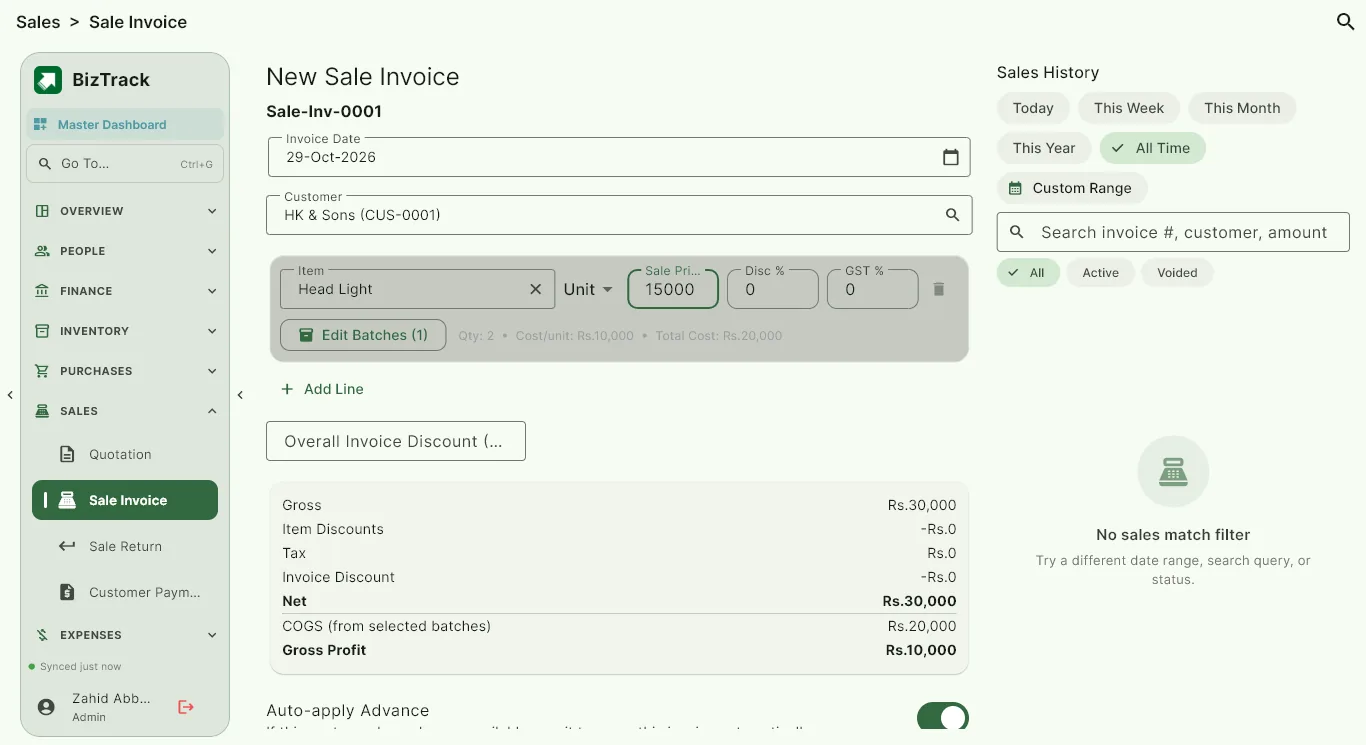
Invoices that look professional
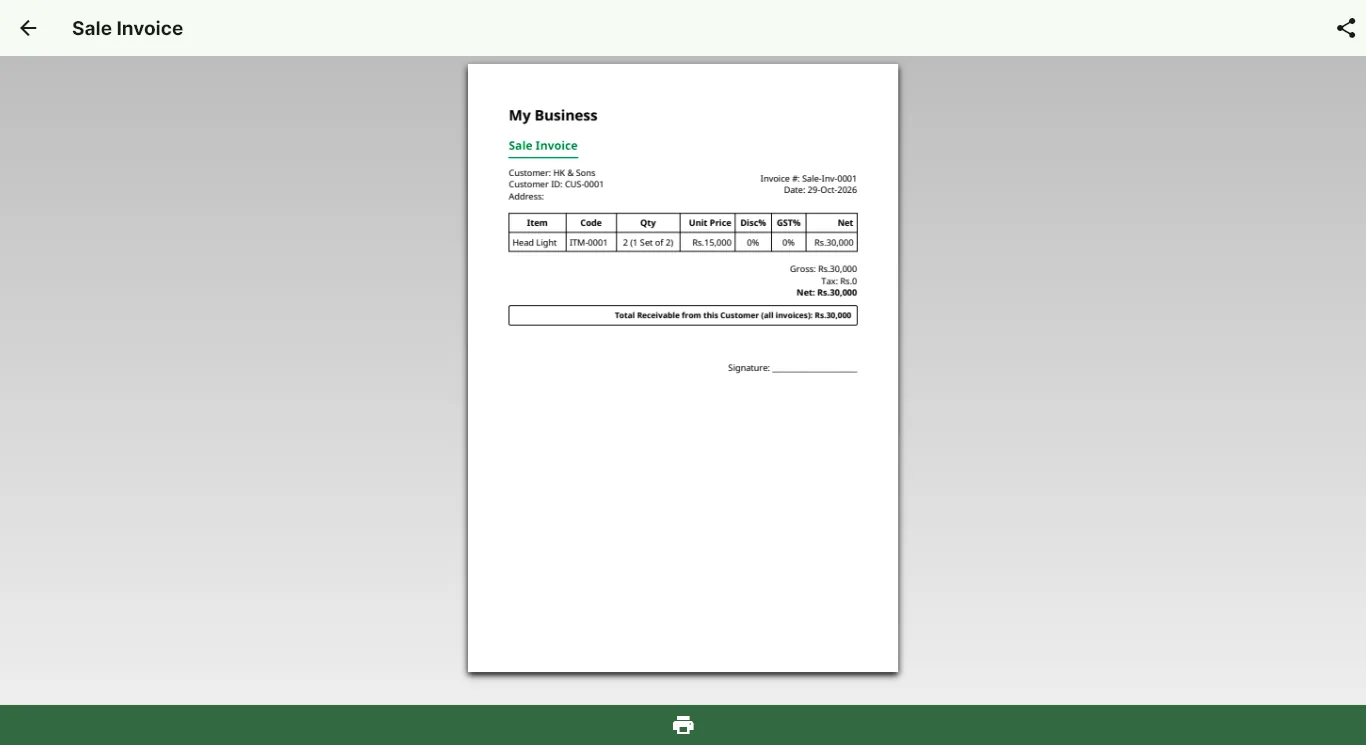
Printable invoices show quantities in sets and units where you use them. Each payment receipt shows the invoice, the amount paid and what is still payable.
- Printable sale and purchase invoices
- Payment receipts with remaining balance
- Last price sold to this customer, ready to reuse
Purchases and supplier payments too
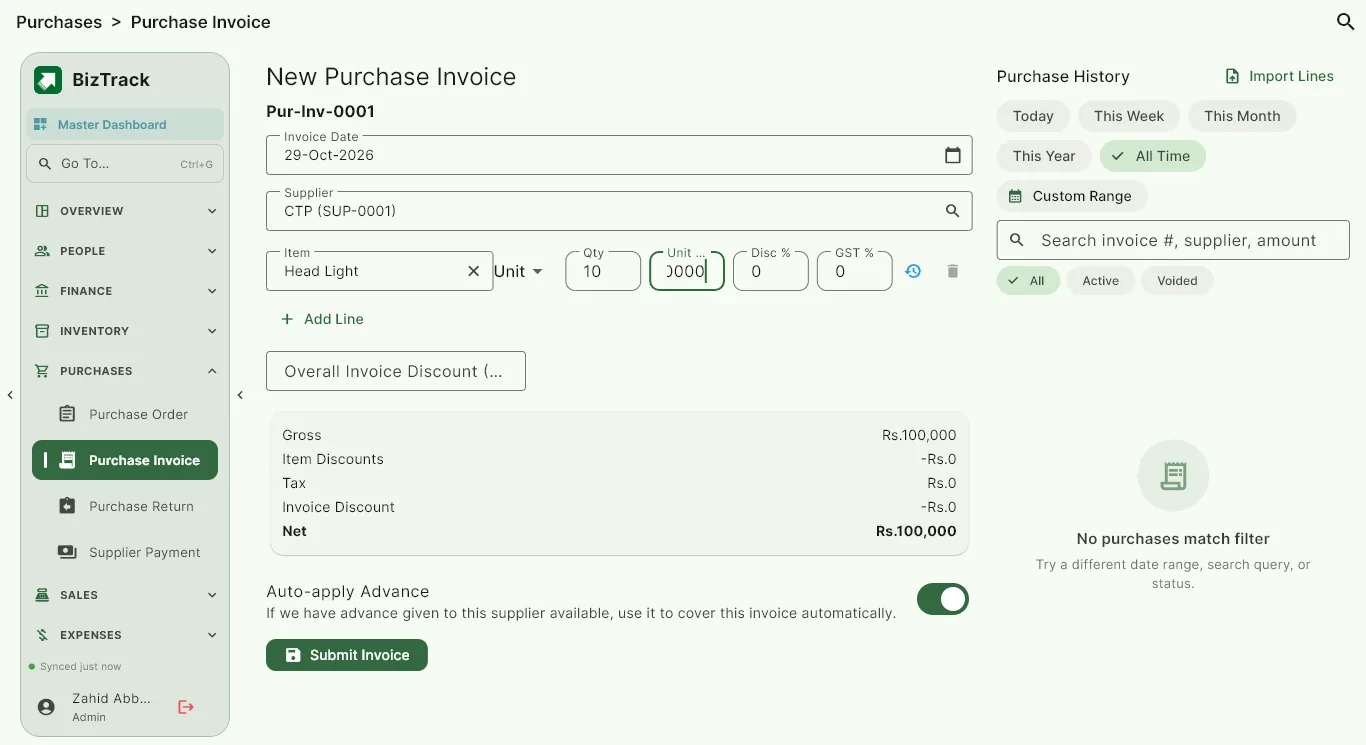
Raise purchase orders and purchase invoices, pay suppliers in cash or by bank, and keep a receipt for every payment. Scan a supplier invoice with AI to fill in the fields for you, and always review the result before saving.
- Purchase orders, invoices and returns
- Supplier payments with receipts
- AI invoice scan to save typing
Common questions
Can I print or share invoices?
Yes. Sale and purchase invoices can be printed or shared, and every payment gets a receipt.
What happens when a customer returns goods?
Record a sale return against the original invoice. Stock goes back in and the customer balance is adjusted.
Can I record a part payment?
Yes. Payments are recorded against an invoice, and the receipt shows how much has been paid and what is still outstanding.
Try BizTrack free for 1 month
Download the app, tap Start Free Trial on the first screen, and enter your name, business name and WhatsApp number. No card, no commitment.