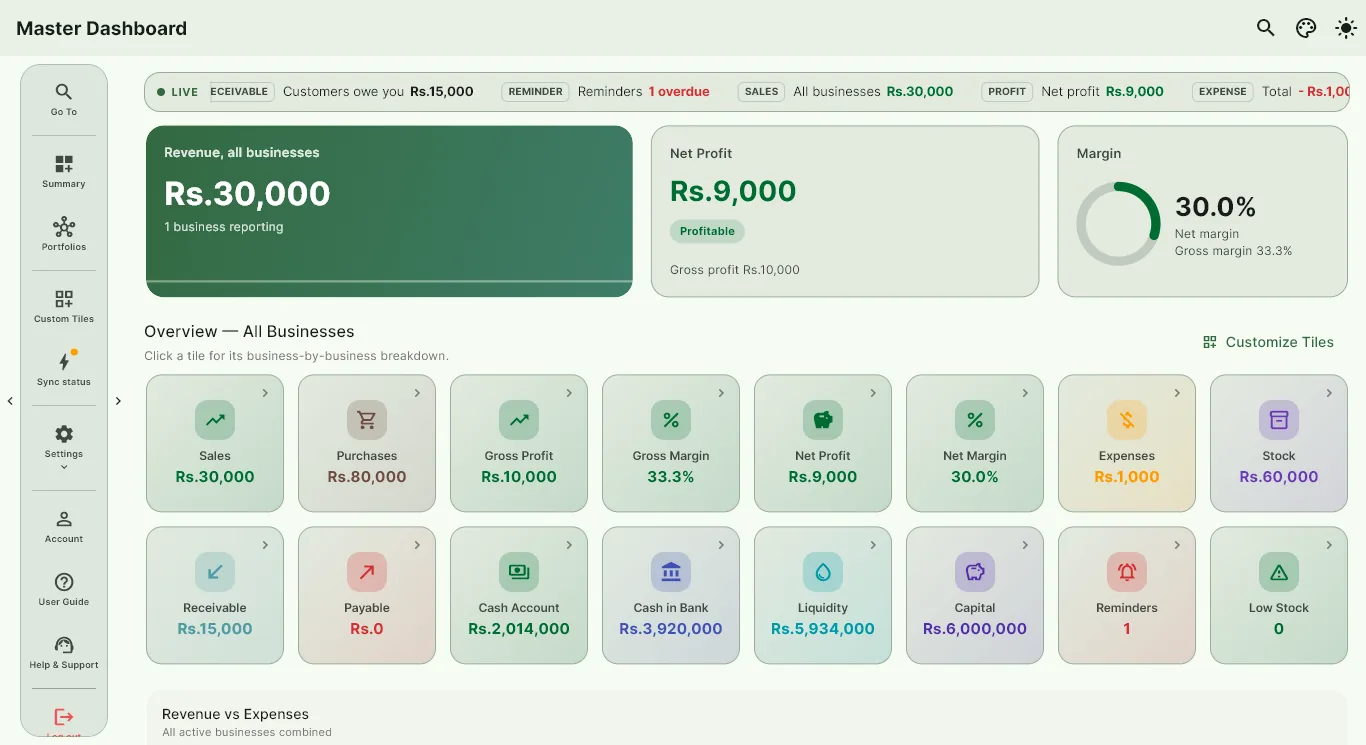
One dashboard for all your businesses
The Master Dashboard shows revenue, profit and margin for each business, plus combined tiles such as total sales, stock, receivables and payables across all of them. Click a business to open its own dashboard.
- Side-by-side business cards with profit and margin
- Combined summary and cross-business portfolios
- Customize which master tiles you see
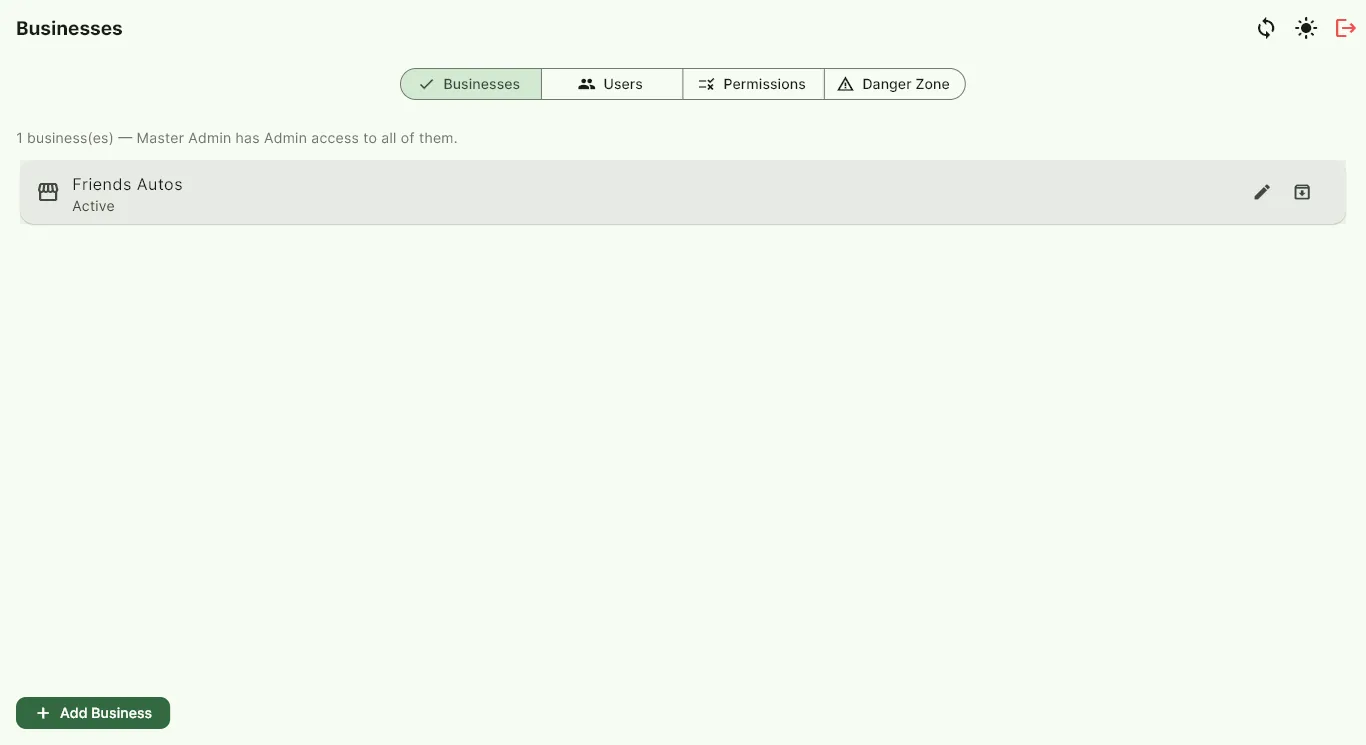
Separate books, shared control
Each business keeps its own customers, suppliers, items, invoices and ledgers, so nothing gets mixed up. Add, rename or archive businesses from the Control Panel whenever you need.
- Add and archive businesses in a few taps
- Switch between businesses instantly
- Back up every business in one tap
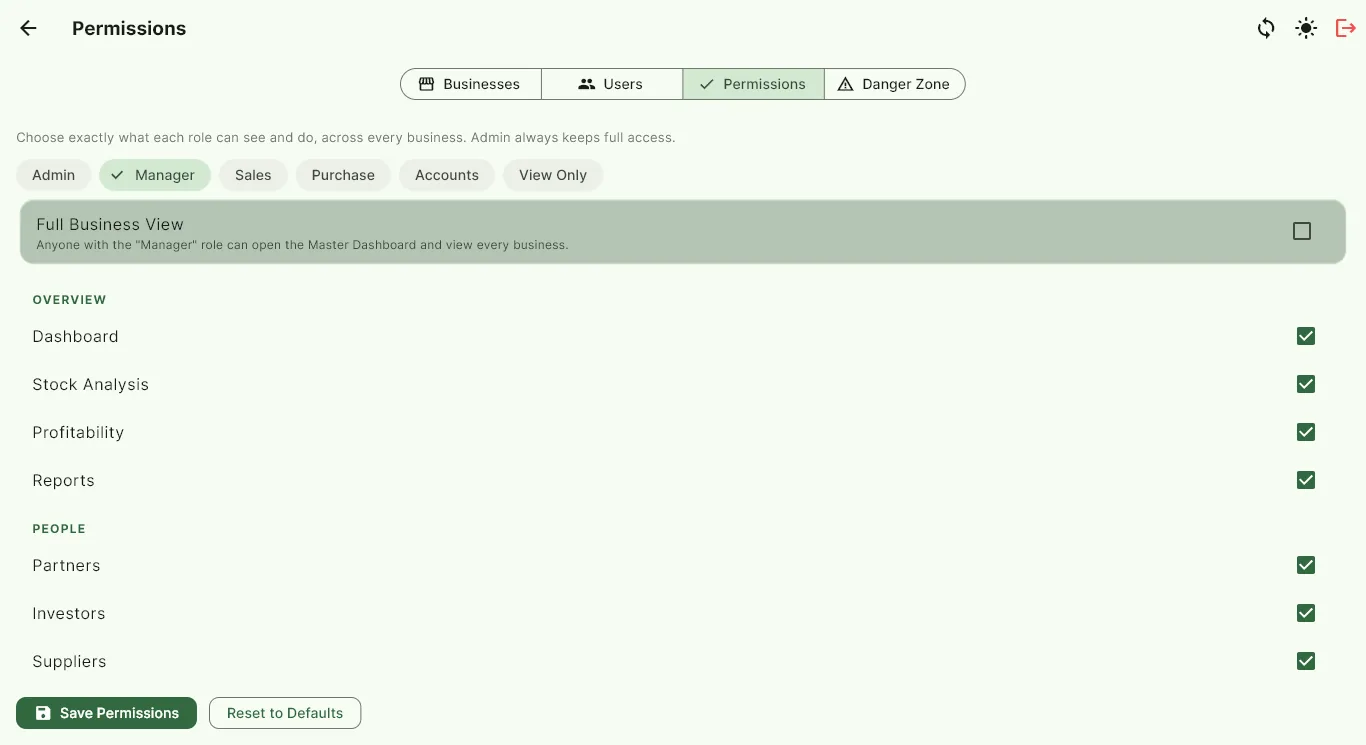
Decide who can see what
Give each person access to the businesses they need and choose exactly what each role can see and do. The audit log records who did what, and when.
- User access per business
- Role permissions you can edit
- Audit log of changes
Common questions
How many businesses can I add?
You can add as many businesses as you like. Each one has its own books and can be opened from the Master Dashboard.
Can my staff see all my businesses?
Only if you allow it. Access is granted per user and per business, and roles decide which screens each person can use.
Can I see combined totals?
Yes. The Master Dashboard and Combined Summary add up sales, profit, stock and balances across all active businesses.
Try BizTrack free for 1 month
Download the app, tap Start Free Trial on the first screen, and enter your name, business name and WhatsApp number. No card, no commitment.